How do we confirm an image was generated by AI?
12/10/2025
An AI generated image has been released of you at a Diddy party! You are now in court and on trial, fighting against numerous allegations. How do we prove that the image was AI generated?
Okay, it’s a pretty stupid scenario in this case - and a poor attempt at some humour. But photo evidence has to be treated a lot more carefully in courts now. We are lucky enough to be in a position where we can still prove images to be generated artificially that don’t involve pointing out that the wall has legs or that the person in the images has 8 fingers.
Metadata
The first step your lawyer can make to prove your innocence is to ask for the metadata about the image.
Whenever you take a photo, your camera will attach some data to the image file. You can easily find this data, for example on an iPhone, when you view an image, you will see an icon with the letter “i”. Simply click this icon and you will be presented with data about the image:
- Size of the image file
- Lens width
- Name of the camera
- Dimensions of the image
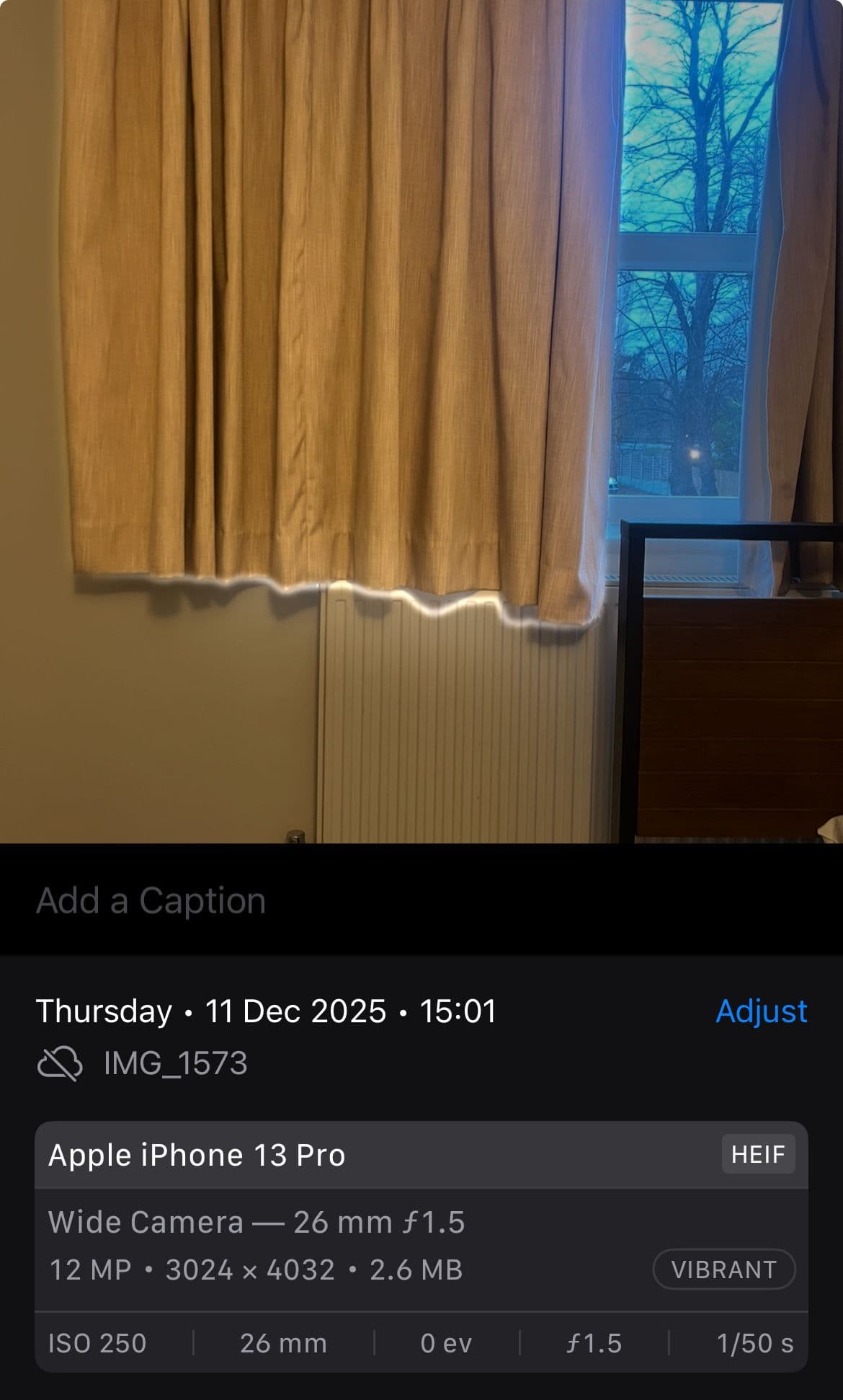
This is often referred to as EXIF data.
When it comes to AI generated images, this data about which camera took it, is absent (because a camera obviously didn’t capture it). AI images also often include tags in the metadata that include the name of the model that generated the image, i.e Dall-E, Sora etc.
However, the metadata of an image is really easy to forge, it’s also common for there to be no metadata at all. For example, social media apps often remove metadata.
We need a more full proof way to prove your innocence.
PRNU
PRNU is your ticket to freedom. It stands for Photo Response Non-Uniformity and of course this probably means absolutely nothing to you, so let’s deep dive into what this is. Do you know how a camera takes a picture?
* Just a little note, I will be saying things like “sensor gird” - these are not actual terms, I’m just saying them so it’s easier for you to understand what I’m referring to.
Every camera is equipped with a sensor:
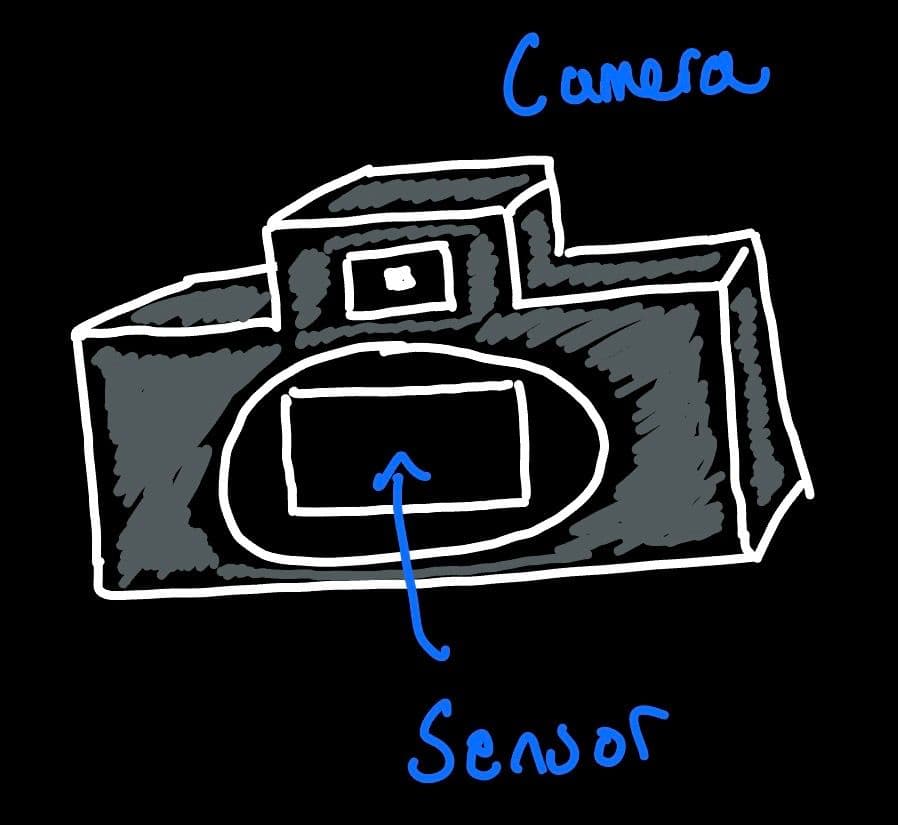
We can image this sensor being a grid made up of many tiny squares:
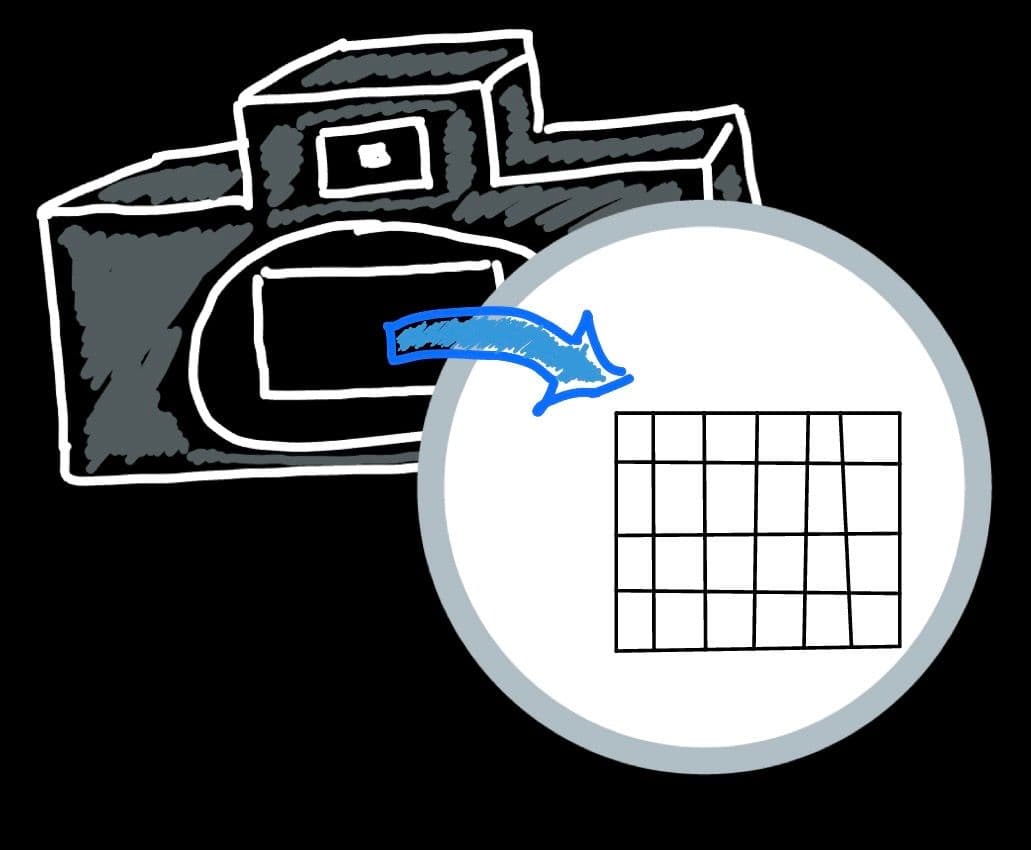
When we take a picture, the camera is essentially trying to capture the light in front of it. The sensor absorbs this light. And each square in the grid of the sensor will absorb a different amount of light. Using this, the grid is converted into pixels where the shade of the pixel is directly converted by the amount of light captured by the square, and in the end, you get your picture:
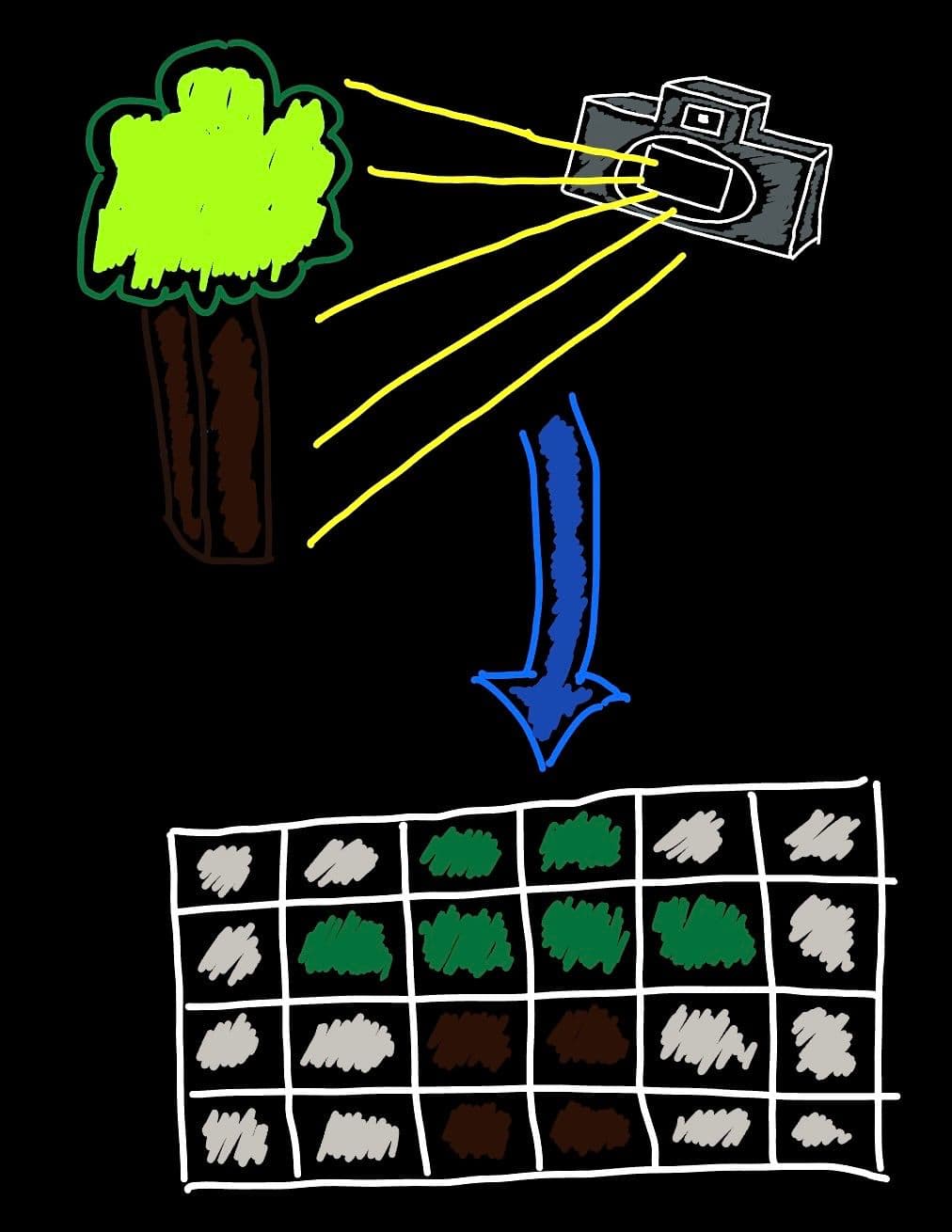
Just like absolutely anything in this world, sensors are not perfect. Each square in the sensor grid, will not absorb the perfect amount of light - there WILL be inconsistencies. For example, the square in the sensor, in the position (2, 5) will always absorb 1% more light (making this pixel lighter all the time) or the square in position (3,1) will always absorb 20% less light and so will always be darker. These inconsistencies will be unique for EVERY different camera sensor.
There are a few methods we can use to identify these inconsistencies, but I won’t explain them in this blog. Instead, I’ll give a very simple breakdown of what we can do with these inconsistencies.
If for example, we find out the square in position (3,1) of the sensor grid is always 4% lighter than all the other squares near it, then we’ll simply make this pixel white. If we find out that another square is always darker, then we will make this pixel black. If we do this for all the inconsistent squares in the grid, we will get a pattern like shown below.
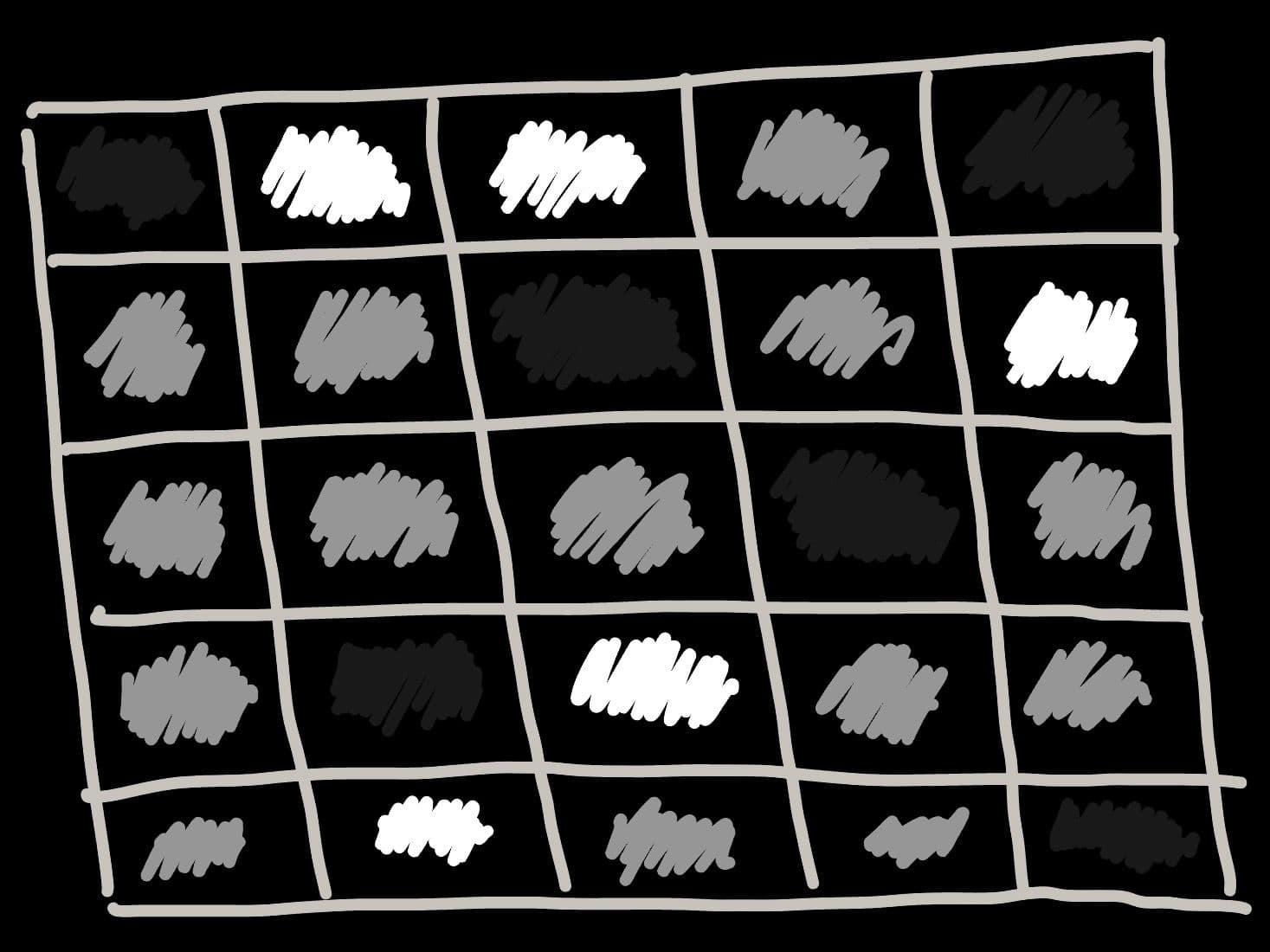
This is a PRNU - and it is unique for every camera.
In reality, they often look like this:
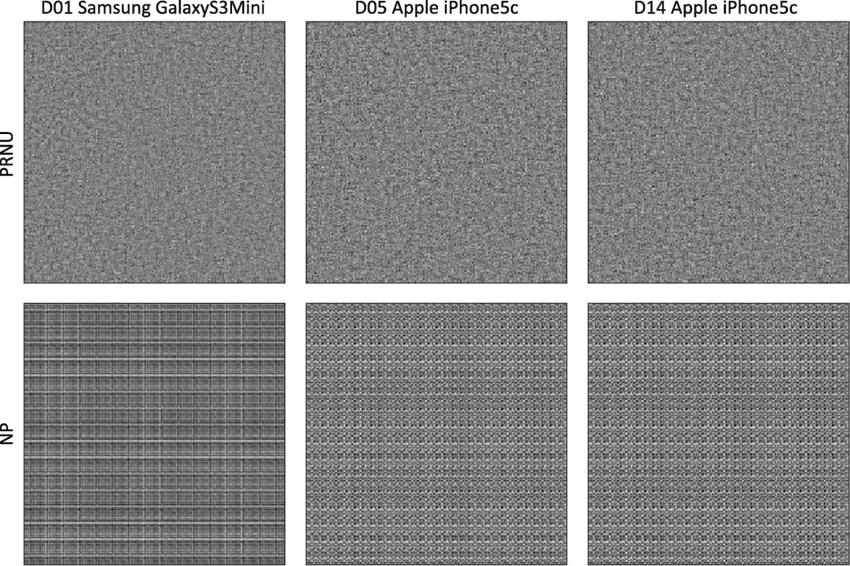
[Image taken from https://www.researchgate.net/figure/Examples-of-device-fingerprints-PRNU-top-and-model-fingerprints-noiseprint-bottom_fig2_339227533]
So back to your trial. The main evidence is an AI generated image of you at a Diddy party. Your lawyer will now ask for the camera used to capture you at the party. He will then pass the camera to a nerd like me, and I will take a picture with the camera, and get the PRNU pattern. I will then get the PRNU pattern from the AI image of you at the party. Because it was generated with AI, and no sensor/camera was used (and also because every camera sensor has a unique PRNU), we will find that the PRNU’s do not match and we can conclude the image was FORGED!
You are now free!
Conclusion
There are actually way more methods we can use to prove the image is fake/forged but I like this PRNU method quite a bit. If you found this interesting, then I’d suggest reading up about how PRNU’s are generated or how they could even possibly be forged (very difficult to do, but still possible).